True story from our own app

Unanswered today. One star tomorrow.

A payment fails, a purchase doesn't unlock, an app crashes. If the user hears nothing back, they don't wait. They write a review. DevReply puts the problem in your inbox in seconds, so you fix it first.

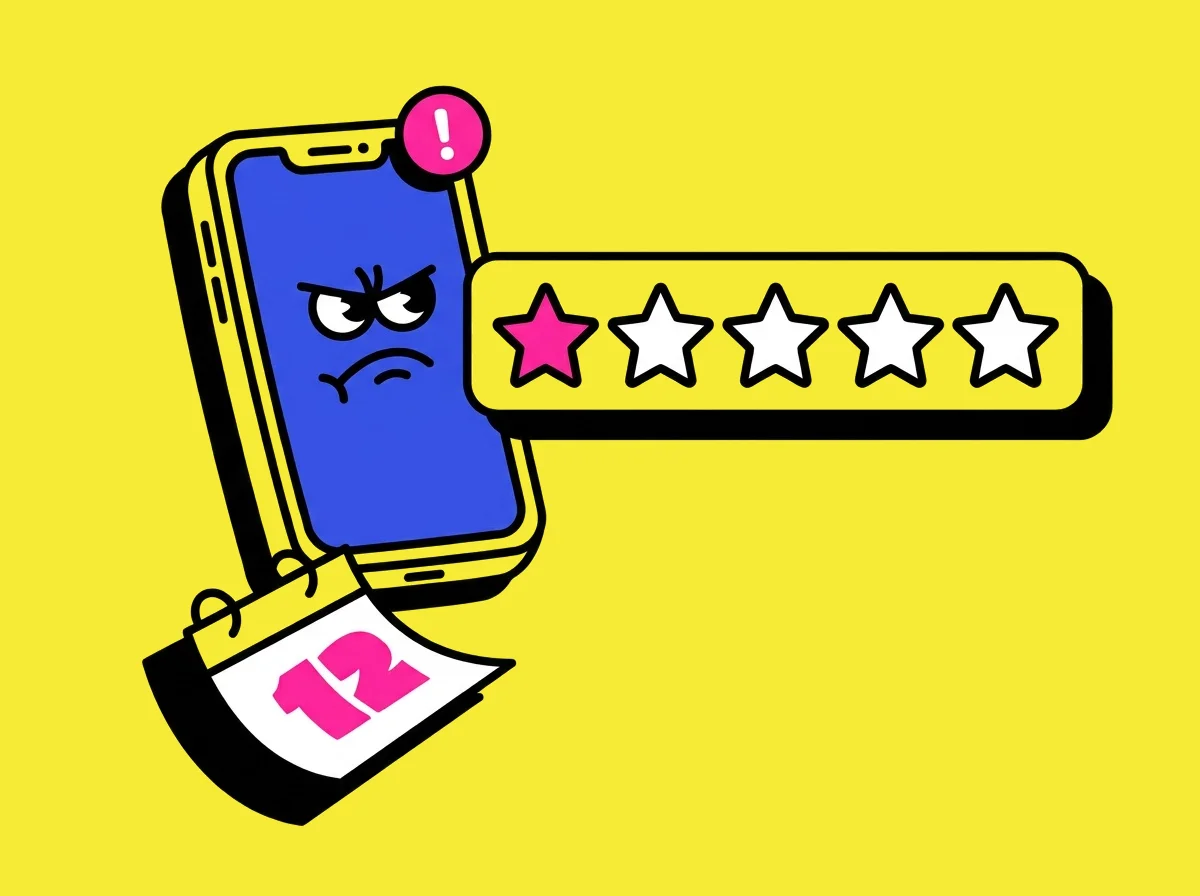
An angry phone with an unread badge next to a one-star rating

It happened to us.

A user of one of our apps hit a payment problem. We answered too late. By then the one-star review was up, and it's the first thing new users read.

  1. Mon · 09:14

    I paid, but it's still locked. Can you help?

    The user asks for help from inside the app.

  2. Mon → Wed

    Unread.

    Their money is gone, they can't use what they paid for, and nobody has answered.

  3. Thu · 21:40

    “Took my money, doesn’t work, no reply. Avoid.”

    Public. Permanent. On your store page.

Today, with DevReply

Fixed on Monday morning.

The message arrives tagged billing, with their device and app version, and their plan if your app passes it. It's in your DevReply inbox in seconds, and you sort it out before they find the review button.

Where it's going

An app that fixes itself.

Your agents see the billing tag, check the purchase, and draft the fix and the reply. You tap approve.

See both sides.

One conversation in Tenball, our golf app, from inside the app to your inbox and back. A real screen recording and real screenshots; the golfer is a demo account.

What your user sees
What you see
app.devreply.com
The Tenball inbox: Mike’s message tagged Billing, with his iPhone, iOS and app version, and what the app passes: his fix, his miss, and that he’s on Premium Your reply in the thread, signed by Anna from the coach team The conversation under Resolved, with the golfer’s thanks

Speaks their language.

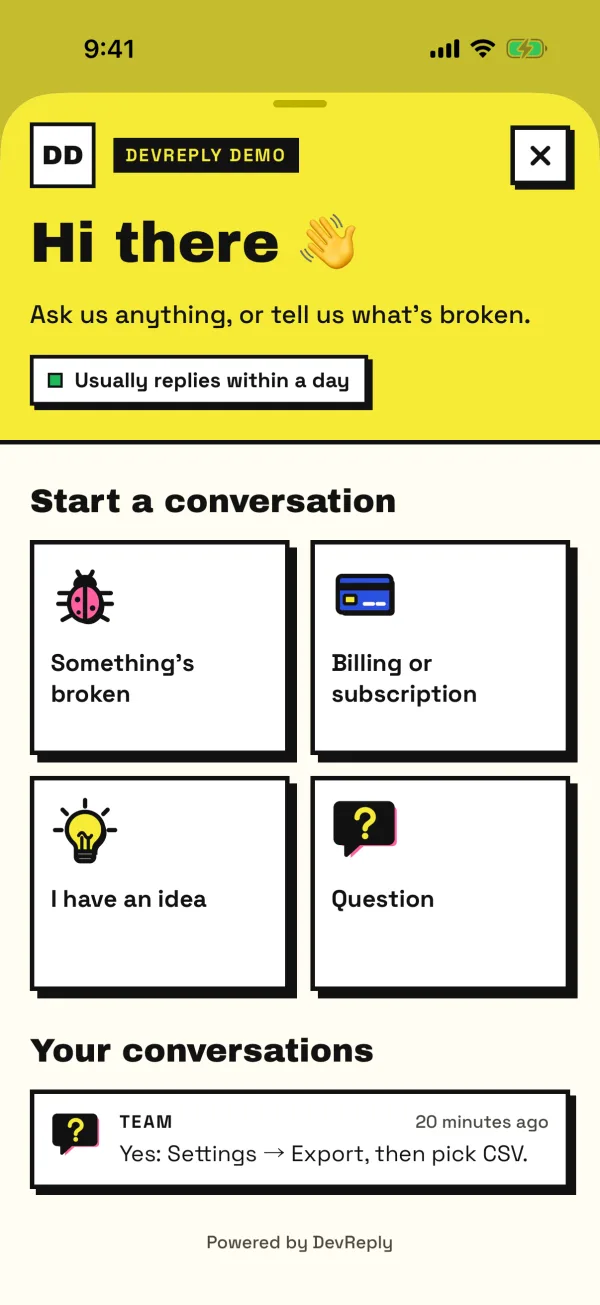
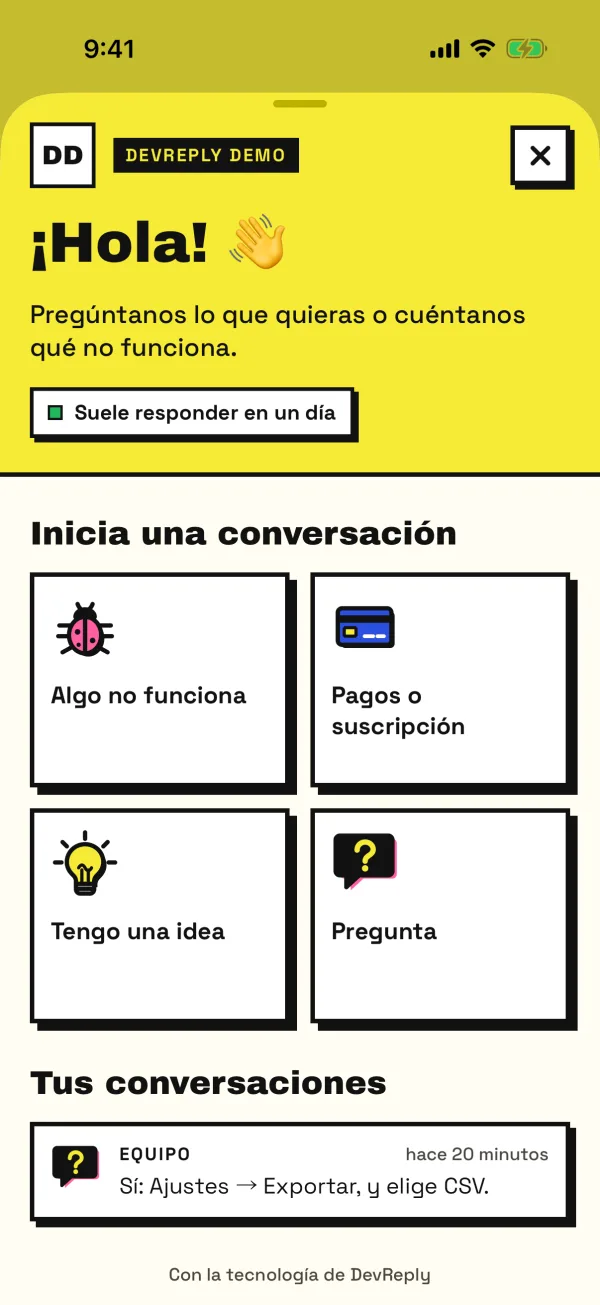
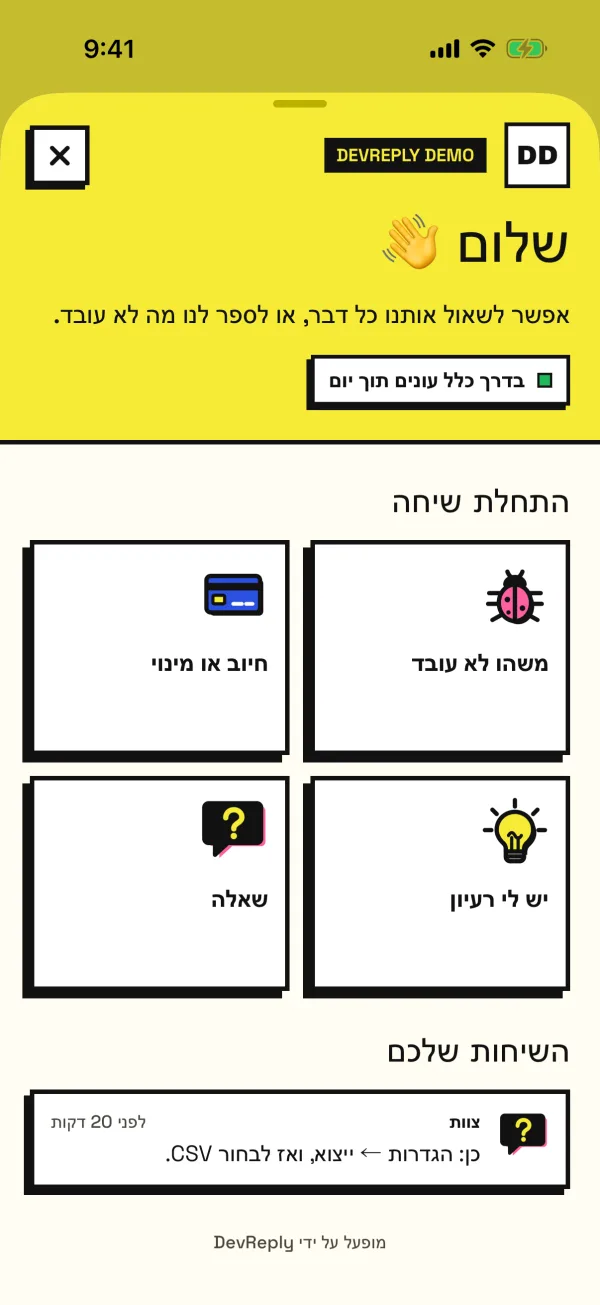
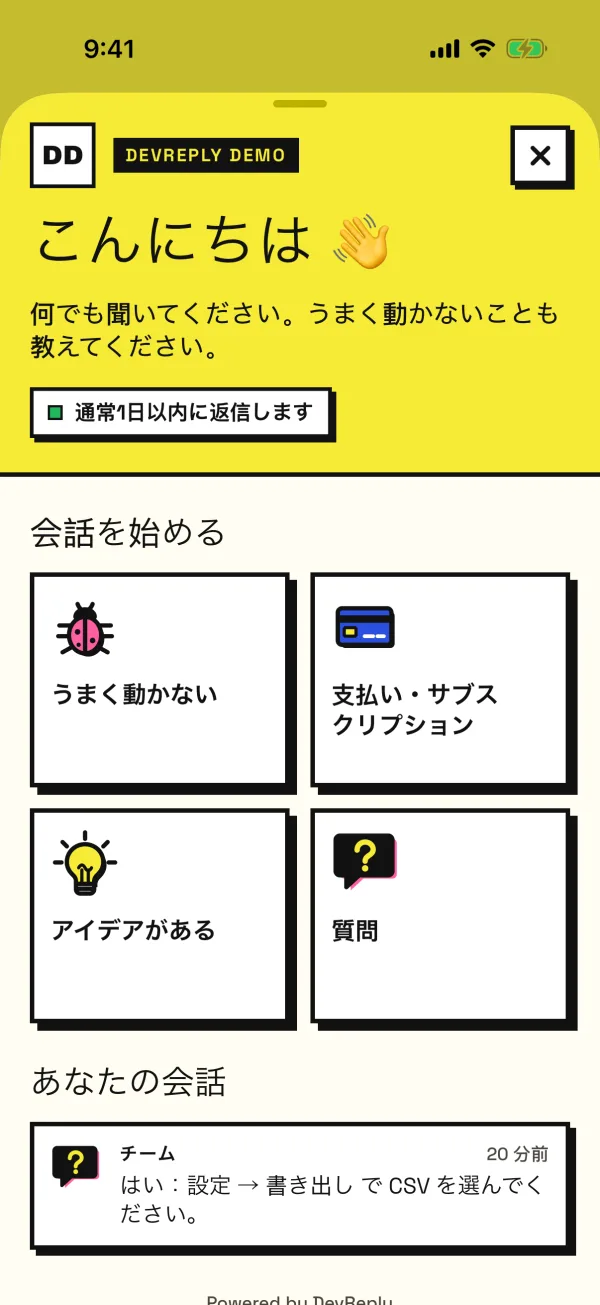
The chat follows the phone’s language: 34 of them, Hebrew and Arabic right to left. Your greeting and topics are translated too, and you see each user’s language in the inbox. Real screenshots of the same chat.

The chat’s home screen in English: Hi there, start a conversation, four topics
English
The chat’s home screen in Spanish: ¡Hola!, Inicia una conversación
Español
The chat’s home screen in Hebrew, laid out right to left
עברית
The chat’s home screen in Japanese: こんにちは, 会話を始める
日本語

English · العربية · Català · Čeština · Dansk · Deutsch · Ελληνικά · Español · Suomi · Français · עברית · हिन्दी · Hrvatski · Magyar · Bahasa Indonesia · Italiano · 日本語 · 한국어 · Bahasa Melayu · Norsk · Nederlands · Polski · Português (Brasil) · Português (Portugal) · Română · Русский · Slovenčina · Svenska · ไทย · Türkçe · Українська · Tiếng Việt · 简体中文 · 繁體中文

Everything you need to reply first.

Know in seconds

New conversations land in your inbox in seconds, with the ones waiting on you in red at the top.

Context comes with it

Their name, device, OS and app version, plus anything your app passes, like their plan. No more “which phone are you on?”

Replies that reach them

Live while the chat is open, as a push on iPhone and Android, as a bubble over their app, or by email if they left one and haven't seen it. It works alongside the push setup your app already has.

Set up by your agent

Hand Claude Code, Cursor or Codex your app's setup guide, or connect it over MCP. It adds the SDK, the deep link and your icon, and checks the install landed.

A real face on every reply

Each teammate replies with their own name and photo, and your app's icon sits on top. Your users talk to people, not a ticket system.

Accounts done right

Log in with your own user id, log out on sign-out, and delete a user from the app, the inbox or your backend, as Apple requires. The next person on a shared phone starts clean.

An off switch

Going on holiday or drowning in a launch? Switch the chat off in the dashboard, no release needed. Your app hides its button until you’re back.

Events for your analytics

Chat opened, closed, conversation started, message sent. Send them to whatever analytics you already use.

MCP built in

Your app, agentic first.

DevReply lives inside your app and collects what users need, with context. Your coding agent connects over MCP with one sign-in in the browser. Then Claude Code, Cursor or Codex can sort and tag the inbox, spot the same bug across users, draft replies with answer buttons, set up your apps, and follow a conversation live while the user replies.

Agent replies stay off until you switch them on: drafts you approve, or sending on their own. Setup is free on every plan; reading the inbox and replying are Pro.

claude mcp add --transport http devreply https://api.devreply.com/mcp

Fix it before it's a review.

Free to start, no card. Hand your coding agent the setup guide and the chat is in your app in minutes. Questions? We reply fast. Obviously.

Questions before you start? Ask us (that’s DevReply itself) or write to [email protected].